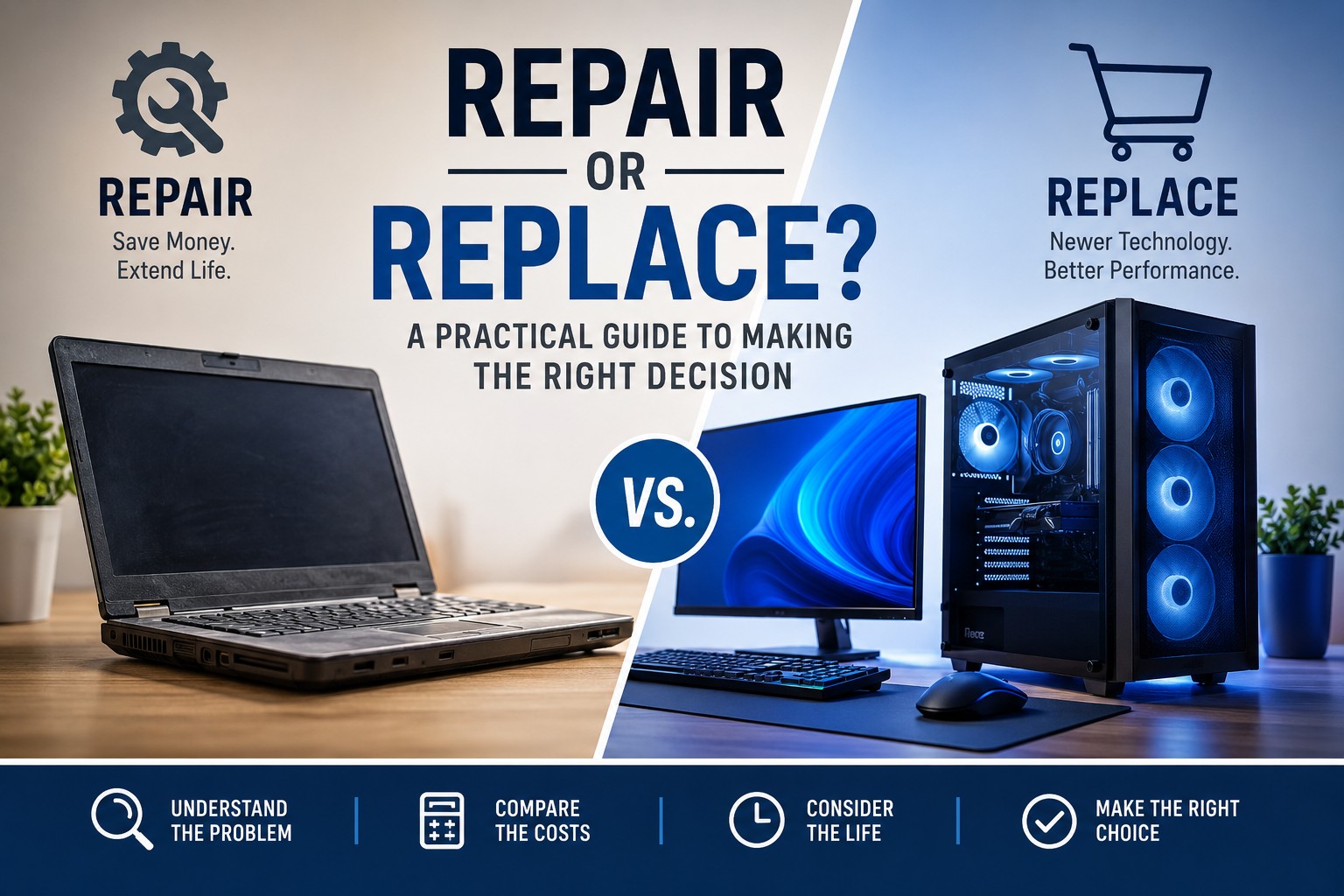
One of the most common questions computer owners ask is: “Is this computer worth repairing, or should I replace it?” It sounds simple, but the right answer depends on much more than age.
A slow or unreliable computer may need only one targeted repair, such as an SSD upgrade, a battery replacement, additional memory, or a clean Windows installation. In other cases, continuing to invest in aging hardware can cost more than replacing it with a dependable system that better fits your current needs.
The best decision begins with an accurate diagnosis. This guide explains how to evaluate repair cost, computer age, performance, reliability, upgrade potential, and the way you use the machine so you can make a practical choice instead of replacing it out of frustration.
Repair usually makes sense when the problem is isolated, the computer still meets your needs, and the repair costs substantially less than a comparable replacement. Replacement makes more sense when several major components are failing, the system cannot run required software, or repair costs approach the price of a suitable new computer.
Start by Identifying the Actual Problem
“It is old” and “it is slow” are not diagnoses. Before comparing prices, determine what is actually wrong. Several very different problems can produce similar symptoms.
- A failing hard drive can make Windows take several minutes to start.
- Low memory can cause freezing when several applications are open.
- Dust buildup can make a laptop overheat and reduce its own speed.
- Malware or excessive startup programs can make a healthy computer feel unusable.
- A worn battery can make an otherwise reliable laptop inconvenient to use.
- Windows corruption can cause crashes, errors, and missing system features.
None of those problems automatically justify replacing the entire computer. A diagnostic helps separate a repairable issue from a system that has genuinely reached the end of its useful life.
When Repair Is Usually the Better Choice
Repair is often the better value when the computer is still capable of performing the work you need and the failure is limited to one serviceable component.
The Computer Is Still Reasonably Modern
A computer that is only a few years old may still have a capable processor, adequate connectivity, and support for current software. Replacing the entire system because of a failed drive, battery, fan, or keyboard may be unnecessary.
The Problem Is Isolated
Repairs are easier to justify when one clear component is responsible. Examples include:
- A failed or slow storage drive
- A worn laptop battery
- A damaged keyboard or charging port
- Insufficient memory
- A noisy or failing cooling fan
- Windows corruption or malware
The Computer Still Meets Your Needs
A system does not need to be new to remain useful. If it still handles your normal workload after repair, replacing it may offer little practical benefit.
For email, web browsing, online banking, office documents, schoolwork, streaming, and other basic tasks, a well-maintained older computer can remain perfectly adequate.
The Repair Cost Is Modest Compared with Replacement
A repair that restores several more years of useful service may be a much better investment than buying a new system. The comparison should be made against the price of a replacement that truly meets your needs—not simply the least expensive computer available.
Repairs and Upgrades That Often Make Financial Sense
Replacing a Mechanical Hard Drive with an SSD
An SSD upgrade is one of the most effective ways to improve an older computer. Mechanical hard drives are much slower than modern solid-state storage and can make an otherwise capable machine feel outdated.
An SSD can improve:
- Startup time
- Application loading
- File searches
- Windows updates
- General system responsiveness
If the processor and memory are still adequate, an SSD upgrade can extend the computer’s useful life for years.
Adding More RAM
Insufficient memory can cause severe slowdowns when several browser tabs, office applications, or communication tools are open at once. A memory upgrade may be worthwhile when the system supports it and the processor is still capable.
Replacing a Laptop Battery
A battery that no longer holds a charge does not mean the entire laptop is worn out. If the system is otherwise reliable, replacing the battery can restore portability at a fraction of the cost of a new laptop.
Cleaning the Cooling System
Dust, blocked vents, and dried thermal compound can increase operating temperatures. The computer may become loud, slow itself down, or shut off unexpectedly. A proper thermal service can restore cooling performance and reduce long-term stress on the hardware.
Repairing Windows or Removing Malware
Software problems can make healthy hardware appear defective. Repairing system files, removing unwanted software, correcting startup issues, or reinstalling Windows may restore performance without replacing any major hardware.
When Replacement Is Usually the Better Investment
Repair is not always the responsible recommendation. Replacement may provide better value when the computer has several limitations or when the repair will not meaningfully extend its usefulness.
Multiple Major Components Are Failing
A combination of motherboard trouble, battery failure, display damage, storage errors, and worn hinges can turn one repair into a series of expenses. When several major problems appear together, replacement may be more predictable and economical.
The Motherboard Has Failed on an Older System
Motherboard replacement can be expensive, especially in laptops where many components are soldered directly to the board. Parts may also be scarce or available only in used condition.
On a newer or high-value system, a board repair may still be reasonable. On an older entry-level computer, replacement often makes more sense.
The Computer Cannot Run Required Software
Even a functioning computer may no longer meet the minimum requirements for the operating system, security tools, professional applications, or games you need. A repair cannot solve a fundamental hardware limitation.
The System Is No Longer Reliable Enough for Its Role
Reliability matters more for business, school, and other critical use. Repeated failures, random shutdowns, or ongoing instability can cost more in lost time than the computer is worth.
Repair Cost Approaches the Cost of a Suitable Replacement
Many people use a rough rule that replacement deserves serious consideration when repair costs reach approximately half the price of an appropriate replacement. That is not an absolute law, but it is a useful checkpoint.
Value, data migration, software compatibility, build quality, and the expected life after repair should all be considered—not just the percentage.
Age Matters, but It Should Not Decide Everything
Age is useful context, not a complete diagnosis. Two computers of the same age can have very different value.
- A well-built business laptop may remain serviceable longer than a low-cost consumer model.
- A desktop may be easier and less expensive to upgrade than a thin laptop.
- A computer with an SSD and upgradeable memory may age better than a sealed system.
- A lightly used system may be in better condition than a newer machine exposed to heat and dust.
Consider the hardware generation, condition, original quality, upgrade options, and intended use rather than relying on age alone.
Consider How You Use the Computer
Basic Home Use
For browsing, email, streaming, documents, and video calls, repair or a modest upgrade often offers excellent value. These tasks generally do not require high-end hardware.
School and Remote Work
Reliability, battery life, webcam quality, and compatibility with required applications matter. A repair may be worthwhile if the computer remains dependable, but repeated downtime can justify replacement.
Business Use
Business decisions should include the cost of interruption. A computer that fails during billing, scheduling, customer communication, or other essential work can cause losses beyond the repair bill.
Gaming and Creative Work
Gaming, video editing, 3D work, engineering applications, and other demanding tasks may expose limitations that cannot be solved economically with a small upgrade. Compare the cost and expected benefit of upgrades with a newer platform.
Do Not Compare a Repair with the Cheapest New Computer
A common mistake is comparing a quality repair with the price of the least expensive laptop on a store shelf. A low-cost replacement may have less storage, less memory, weaker construction, a lower-quality display, or slower performance than the repaired computer.
Compare the repair with a replacement that provides:
- Comparable or better performance
- Enough storage and memory
- The ports and features you need
- Acceptable build quality
- A suitable warranty
- Expected longevity for your workload
Remember the Hidden Costs of Replacement
The price on the box may not be the total cost of replacing a computer. You may also need:
- Data transfer
- Application installation
- Software licenses or subscriptions
- Email and account setup
- Printer and peripheral configuration
- Time spent learning a different system
- Accessories, adapters, or a docking station
Those costs do not mean replacement is wrong, but they belong in an honest comparison.
A Practical Repair-or-Replace Checklist
The computer still meets your needs after one targeted repair.
The replacement part is available and reasonably priced.
The system has no other serious warning signs.
The repair preserves useful software, data, or accessories.
The expected life after repair justifies the cost.
Several major parts are failing.
The computer cannot support required software.
The repair will not solve a broader performance limitation.
Parts are unavailable or unreliable.
Downtime and repeat failures create unacceptable risk.
Quick Decision Guide
| Situation | Likely Best Option |
|---|---|
| Slow computer with a mechanical hard drive | Consider an SSD upgrade |
| Computer struggles only during multitasking | Check memory usage and upgradeability |
| Laptop battery no longer holds a charge | Replace the battery if the system is otherwise healthy |
| Windows corruption, malware, or excessive startup software | Repair the operating system and software environment |
| Broken motherboard in an older low-value laptop | Replacement may offer better value |
| Several major parts need replacement | Compare the total repair cost with a suitable new system |
| Computer cannot run required applications | Replace or move to a newer hardware platform |
Why a Professional Diagnostic Helps
Replacing a computer without identifying the fault can lead to unnecessary expense. A professional diagnostic can evaluate storage health, memory, temperatures, Windows condition, malware, power behavior, and other components before a recommendation is made.
A diagnostic should answer three practical questions:
- What is actually causing the problem?
- What will the repair cost?
- What condition will the computer be in after the repair?
That final question is important. A low-cost repair is not a good value if another major failure is likely immediately afterward. Likewise, an older computer may still be an excellent repair candidate if its overall condition is strong.
Frequently Asked Questions
How old is too old to repair?
There is no universal age limit. Condition, hardware capability, repair cost, parts availability, and intended use matter more than the calendar alone.
Is a slow computer worth repairing?
Often, yes. Slowness may be caused by a mechanical hard drive, low memory, overheating, malware, low storage space, or Windows problems.
Is an SSD upgrade worth it on an older computer?
It can be, especially when the processor and memory remain adequate. An SSD often provides the largest improvement in everyday responsiveness.
Should I replace a laptop with a bad battery?
Not necessarily. If the laptop is otherwise reliable and the battery is replaceable, a battery replacement may be a straightforward repair.
What repair cost is too high?
Compare the total repair cost with a replacement that genuinely meets your needs. When the repair approaches a substantial portion of that cost, consider expected life, reliability, and hidden replacement expenses.
Should I repair a broken laptop screen?
Screen replacement can make sense on a newer or higher-value laptop. On an older low-cost model, the price of the panel and labor may make replacement more attractive.
Can a diagnostic tell me whether the computer is worth fixing?
A good diagnostic identifies the present fault and checks the condition of other important components, making the repair-or-replace decision much more informed.
Will a repaired computer last as long as a new one?
That depends on the repair and the condition of the remaining hardware. A targeted upgrade can add years of useful service, but it does not reset the age of every component.
Should a business repair or replace older computers?
Businesses should weigh downtime, security, software support, warranty coverage, and employee productivity in addition to the repair bill.
What should I do with an old computer after replacement?
Back up and securely erase personal data before recycling, donating, selling, or repurposing the system.
Final Thoughts
Repairing a computer is not always the right answer, but replacing one is not automatically the smartest choice either. The best decision comes from understanding the actual problem, the total cost, the expected result, and the way you use the system.
A simple repair or upgrade can sometimes restore years of useful service. In other situations, investing in a newer computer provides better reliability, software support, and long-term value.
Before spending hundreds or thousands of dollars, get enough information to compare both options fairly. A fact-based decision is usually less expensive than one made out of frustration.
Need Help Deciding?
Texas Tech Rescue can diagnose your computer, explain the condition of the hardware, and help you compare repair, upgrade, and replacement options before you spend money.
Request a Diagnostic