📂 Case File
Device:
Consumer Laptop
Customer Complaint:
Black screen during startup
Primary Symptom:
Intermittent display connection
Category:
Computer Repair
Every technician eventually encounters a repair that makes them question everything they know.
This was one of those repairs.
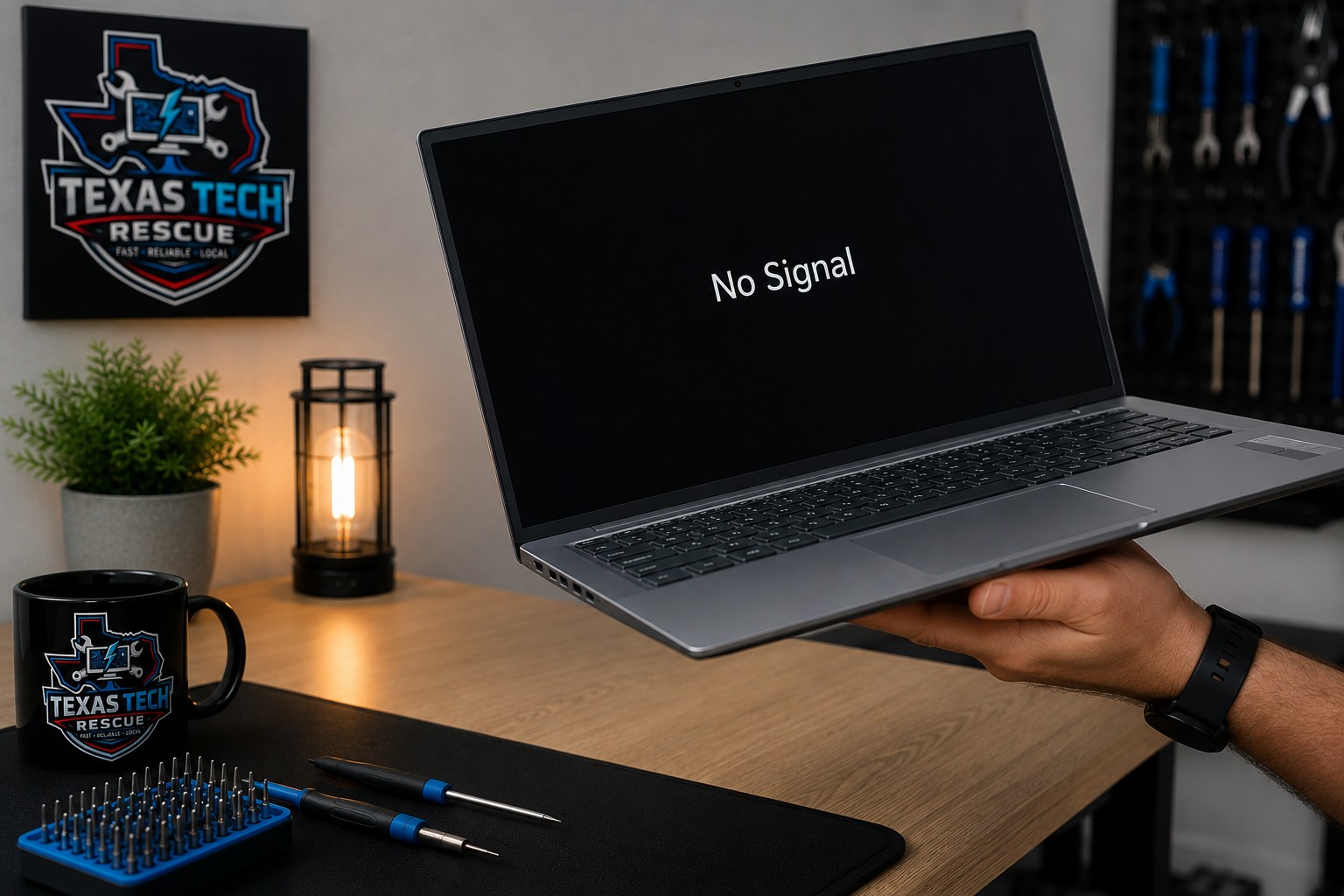
A customer brought me a laptop that appeared to power on normally, but the display remained completely black. The power light illuminated, the fan spun up, and it sounded like Windows was booting successfully.
At first glance, it looked like a failed display or graphics problem.
The real cause turned out to be something much stranger.
The Symptoms
The laptop showed all the signs of starting normally.
- Power indicator illuminated
- Cooling fan running
- Windows appeared to boot
- No image on the display
At this point, most technicians would begin checking the display, RAM, motherboard, or graphics hardware. So did I.
Verifying the Basics
I checked the display connections, considered whether the LCD panel had failed, and began working through the usual troubleshooting process.
Nothing immediately stood out.
Then something happened completely by accident.
I picked up the laptop.
The display immediately turned on.
I wasn't expecting gravity to become part of my troubleshooting process.
If a problem changes when a device is moved, lifted, or gently flexed, the issue is often mechanical rather than software related. Loose connectors, cracked solder joints, or damaged ribbon cables can all behave this way.
The Stranger It Became...
Naturally, I wanted to verify what I had just seen.
I shut the laptop down.
Placed it back on the desk.
Powered it on again.
Black screen.
I picked it up.
The display came back.
I repeated the process several more times with the exact same result.
At this point I wasn't fixing the laptop anymore.
I was trying to convince myself I wasn't imagining things.
Following the Evidence
Although it felt like magic, there was a perfectly logical explanation. Lifting the laptop slightly changed the way the chassis flexed. That tiny amount of movement was enough to restore electrical contact somewhere inside the display assembly. While every repair is different, symptoms like these are commonly caused by:
- A loose LCD ribbon cable
- A damaged display connector
- A cracked solder joint
- A fractured motherboard trace near the display circuitry
Instead of replacing random parts, the goal was to identify the component that changed behavior when the chassis moved. That's the difference between guessing and diagnosing.
The Lesson
One of the biggest mistakes in troubleshooting is assuming the first symptom tells the whole story. Sometimes the symptom isn't the problem. It's the clue. This repair was a reminder that careful observation often solves problems faster than replacing parts. When something unusual happens, pay attention. The computer is trying to tell you something.
Sometimes the strangest repairs become the ones you'll never forget.
Frequently Asked Questions
Why would moving a laptop make the screen work?
Movement can temporarily restore contact to a loose cable, damaged connector, or cracked solder joint.
Does this always mean the screen is bad?
No. Display problems can originate from the LCD, ribbon cable, hinges, motherboard, graphics hardware, or power circuitry.
Can this problem get worse?
Yes. Mechanical connection issues almost always become more frequent over time until the display eventually stops working completely.
Can Texas Tech Rescue diagnose laptop display problems?
Absolutely. Whether your laptop has a flickering display, intermittent video, a cracked screen, or refuses to display anything at all, Texas Tech Rescue can diagnose the root cause and recommend the proper repair.
📜 Technician's Log
Repair Story: #0002
Device: Consumer Laptop
Status: REPAIRED
Final Diagnosis:
A mechanical connection issue inside the laptop caused the display to work only when the chassis was lifted or flexed.
Lesson: When a device behaves differently after being moved, the movement is not the problem—it is the clue.
Laptop Display Problems?
If your laptop only works intermittently, has a flickering display, or won't turn on consistently, don't assume it's time for a replacement. Texas Tech Rescue provides professional laptop diagnostics and repair for intermittent display problems, damaged screens, and hardware failures.
Get Professional Help