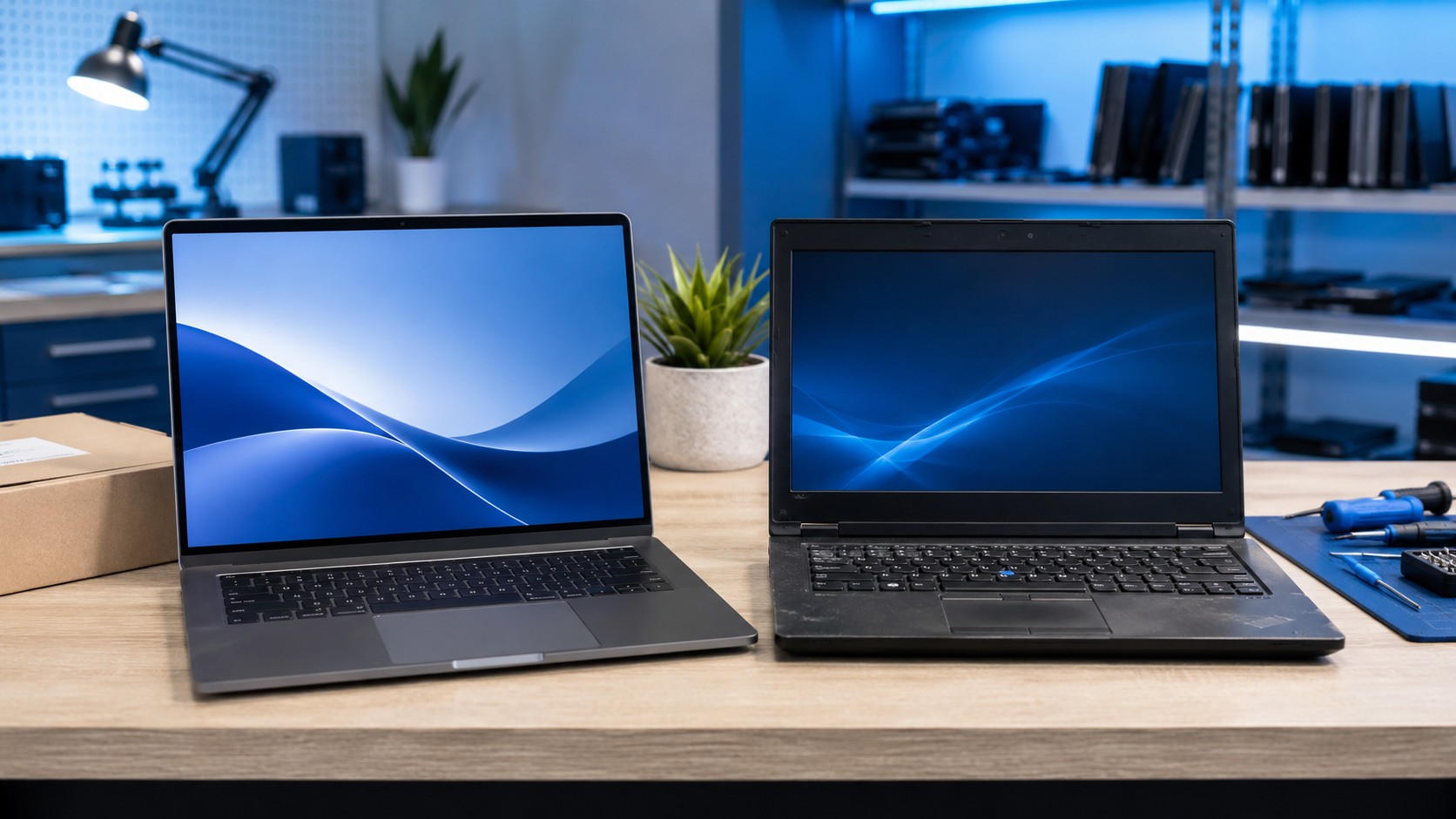
Buying a computer does not necessarily mean buying something brand new.
Refurbished desktops and laptops can often provide significantly more computer for your money, especially if you are shopping on a limited budget. But there is also a huge difference between a professionally refurbished computer and a mystery laptop somebody wiped down, reset, and listed online as “refurbished.”
So which should you buy?
The answer depends on what you need, how much you want to spend, and—most importantly— who refurbished the computer in the first place.
What Does “Refurbished” Actually Mean?
A refurbished computer is a previously owned or returned system that has been inspected, tested, cleaned, and prepared for resale.
At least, that is what the term is supposed to mean.
The problem is that “refurbished” can describe very different things depending on the seller. One computer might have been professionally tested, cleaned internally, fitted with a new SSD, updated, and thoroughly inspected.
Another might simply have had Windows reset before being placed back on the shelf.
That is why the seller and refurbishment process matter almost as much as the computer itself.
Refurbished Is Not the Same as Used
These terms are sometimes treated as interchangeable, but I would separate them.
A used computer is generally being sold in its current condition. The seller may have tested it, but there may be little or no refurbishment involved.
A refurbished computer should have gone through some form of inspection, testing, cleaning, repair, or component replacement before being offered for sale again.
That does not automatically make every refurbished computer a good purchase. It simply means you should expect more than you would from an ordinary used machine.
The Biggest Advantage: More Computer for Your Money
This is where refurbished computers can really make sense.
Suppose you have a limited budget. You might have the choice between a very inexpensive new consumer laptop with entry-level hardware and a refurbished business-class laptop that originally sold for considerably more.
The refurbished system may offer:
- Better construction
- A stronger processor
- More RAM
- Better keyboard and trackpad quality
- More ports
- Easier repairability
- Better upgrade options
It may not have that fresh-out-of-the-box feeling, but it can sometimes be the substantially better computer.
This is especially true with business-class systems that were designed to survive several years of daily office use.
Why I Like Refurbished Business Computers
If I were shopping refurbished, business-class computers are generally where I would look first.
Businesses routinely replace fleets of perfectly functional computers because of scheduled refresh cycles rather than because every machine suddenly stopped working.
That creates a secondary market full of systems that may still have plenty of useful life remaining.
Business computers also tend to prioritize things that inexpensive consumer systems sometimes sacrifice: build quality, repairability, ports, replaceable components, and durability.
A computer that quietly works every day is considerably more useful than one with an impressive-looking specification sticker and hinges made from hopes and dreams.
The Downsides of Buying Refurbished
Refurbished computers are not automatically the better deal. There are some important tradeoffs.
Battery Wear
This is one of the biggest things I would check on a refurbished laptop. Lithium-ion batteries wear out with age and use.
A laptop may perform perfectly while plugged in but have significantly less battery life than it did when new.
Before buying, find out whether the battery has been replaced, tested, or covered by the seller's warranty. If replacement batteries are readily available, an older battery may not be a deal-breaker— but it should still factor into the price.
Cosmetic Wear
Refurbished computers may have scratches, worn keyboards, small dents, polished areas on the palm rest, or other signs of previous use.
For many buyers, that does not matter. If you are paying hundreds less for a computer because somebody else's wrist polished a shiny spot into the palm rest, I can probably live with that.
Condition grades can vary dramatically between sellers, so read the description carefully.
Shorter Warranty Coverage
A new computer often comes with a manufacturer's warranty. Refurbished machines may have a shorter warranty provided by the refurbisher or reseller instead.
Before purchasing, check:
- How long the warranty lasts
- What it actually covers
- Who handles the repair
- Whether return shipping is covered
- How long you have to return the computer
A slightly more expensive refurbished machine with a solid warranty may be a considerably better purchase than the cheapest listing you can find.
Older Hardware
A refurbished computer is obviously going to be from an earlier hardware generation. That is not necessarily bad.
A quality processor from a few years ago may still provide plenty of performance for browsing, office applications, schoolwork, video conferencing, and everyday use.
But age does matter eventually. Before buying an older machine, consider whether its processor, memory, storage, ports, wireless capabilities, and operating-system compatibility will meet your needs for the next several years—not merely today.
Buying something cheap that immediately needs replacing is not actually saving money.
Storage Is Something I Always Check
One of the first specifications I would inspect on any refurbished computer is the storage drive.
If the system still uses an old mechanical hard drive, I would strongly consider replacing it with an SSD— or simply buying a different machine that already has one.
An SSD can make an enormous difference in everyday responsiveness. If you want a deeper comparison, see SSD vs HDD: Which Upgrade Is Right?
Also check the capacity. A tiny SSD may technically be enough to run the operating system, but once applications, documents, updates, photos, and temporary files begin accumulating, storage can disappear surprisingly quickly.
And as we learned from the WatchGuardians: you generally want Windows to have more free space than is required to contemplate its own mortality.
How Much RAM Should a Refurbished Computer Have?
This depends on what you intend to do with it, but do not look only at the amount installed today. Also ask: Can it be upgraded later?
Some laptops have replaceable memory modules. Others have RAM permanently soldered to the motherboard.
That distinction can turn an inexpensive computer into either a great long-term purchase or a machine trapped forever with whatever memory it left the factory with.
If you are not sure how much memory your workload needs, see How Much RAM Do You Really Need?
What Should You Look for in a Refurbished Laptop?
Before purchasing one, I would check:
- Processor model and generation
- Amount of RAM
- Whether RAM can be upgraded
- SSD capacity and type
- Battery condition
- Screen resolution
- Whether the charger is included
- USB-C charging support, if important to you
- HDMI or DisplayPort availability
- Webcam and microphone
- Wi-Fi capabilities
- Keyboard condition
- Hinge condition
- Operating-system compatibility
- Warranty
- Return policy
An old i7 is not automatically better than a much newer i5. The processor generation and exact model matter. Computer specifications love making simple purchasing decisions unnecessarily complicated.
What About Refurbished Desktops?
Refurbished desktops can be an even better value than laptops.
There is no aging internal battery to worry about, and many business desktops offer straightforward access to storage, RAM, and other replaceable components.
They can make excellent machines for:
- Home offices
- Basic business use
- Schoolwork
- Web browsing
- Accounting
- Office applications
- General household computing
Just check the physical form factor. Some ultra-small business desktops have limited expansion options, while larger towers may provide room for additional drives, RAM, expansion cards, or other upgrades.
If you plan to install a graphics card later, also pay attention to power-supply capacity and physical space inside the case.
When Buying New Makes More Sense
I would lean toward a new computer if you:
- Want the longest possible warranty
- Need maximum battery life
- Want the newest hardware features
- Need high-end gaming performance
- Perform demanding professional workloads
- Need a particular modern port or technology
- Want several years before thinking about replacement
- Simply value having a completely new machine
New computers also give you more control over the exact configuration you purchase. If your budget comfortably supports the machine you actually need, there is nothing wrong with buying new.
When Refurbished Makes More Sense
I would strongly consider refurbished if you:
- Have a limited budget
- Need a basic home or office computer
- Want better hardware than inexpensive new machines offer
- Do not mind minor cosmetic wear
- Can buy from a reputable refurbisher
- Are comfortable replacing a battery later if necessary
- Want a secondary computer
- Need several computers for a small business
This last one can be especially attractive. A small business that needs several office PCs may be able to purchase quality refurbished business machines for considerably less than replacing everything with brand-new systems.
The Refurbisher Matters
This may be the single most important part of the entire article.
Do not ask only: “Is this computer refurbished?”
Ask: “Who refurbished it, what did they actually do, and what happens if something goes wrong?”
Look for a seller that clearly explains:
- Testing procedures
- Cosmetic grading
- Battery standards
- Component replacements
- Warranty coverage
- Return policy
Be cautious when a listing uses the word “refurbished” but gives almost no information about the refurbishment itself.
Putting Windows back on a computer does not magically restore ten years of hardware wear.
What I Would Avoid
Some deals simply are not worth chasing. I would be cautious with computers that have:
- Extremely old processors
- Mechanical hard drives as the primary drive
- Very little RAM with no upgrade path
- Damaged hinges
- Swollen or failing batteries
- Unknown BIOS passwords
- Missing chargers
- Broken USB ports
- Questionable Windows licensing
- No return policy
- No meaningful warranty
- Sellers that cannot provide basic specifications
A $150 computer is not a bargain if you immediately need a battery, charger, SSD, RAM, and three hours of troubleshooting.
At that point you have not purchased a cheap computer. You have adopted a project.
Should You Upgrade a Refurbished Computer?
Absolutely—when the machine makes sense to upgrade.
One of my favorite combinations for an older business computer is: solid processor + upgradeable RAM + SSD + good physical condition.
That gives you a platform that can potentially remain useful for years without spending new-computer money. A RAM or storage upgrade can also be considerably cheaper than replacing an otherwise functional machine.
So, Is Refurbished Worth It?
It absolutely can be.
The important distinction is that you are not simply looking for the cheapest computer. You are looking for the best computer for your money.
A quality refurbished business laptop with a good processor, adequate RAM, an SSD, a healthy battery, and a real warranty can be an excellent purchase.
A ten-year-old mystery laptop labeled “REFURBISHED GAMING ULTRA FAST” because somebody installed RGB wallpaper?
Perhaps continue shopping.
Final Thoughts
There is nothing inherently wrong with buying new, used, or refurbished. The right choice depends on what you need and what you are actually getting for your money.
If you buy refurbished, focus on:
- The hardware
- The condition
- The upgradeability
- The warranty
- The seller
Do not let the word refurbished scare you away from what may be a perfectly good computer. But do not let it convince you that an old computer is automatically a good deal either.
Buy the machine—not the label.
If you are deciding whether to put more money into your current computer instead, see Repair or Replace Your Computer?
Frequently Asked Questions
Are refurbished computers reliable?
They can be. Reliability depends heavily on the original computer, its age and condition, and the quality of the refurbishment. Buying from a reputable seller with a meaningful warranty reduces the risk considerably.
Is a refurbished computer better than a cheap new computer?
Sometimes. A refurbished higher-quality business computer may offer better construction, performance, repairability, and upgradeability than an extremely inexpensive new consumer model.
How old is too old for a refurbished computer?
There is no single age cutoff. Consider hardware performance, operating-system support, battery condition, upgradeability, replacement-part availability, and how long you expect to keep the computer.
Should I replace the battery in a refurbished laptop?
Not necessarily. If battery health and runtime are still acceptable, continue using it. If the battery is heavily worn or swollen, it should be replaced.
Can Texas Tech Rescue upgrade a refurbished computer?
Yes. Texas Tech Rescue can help evaluate whether a computer is worth upgrading and assist with SSDs, memory, hardware installation, system setup, diagnostics, and other improvements.
Not Sure If a Computer Is a Good Buy?
Texas Tech Rescue can help evaluate a computer's hardware, upgrade potential, storage and memory options, and overall condition before or after your purchase.
Get Professional Help